


Time is a precious component of production. With ever shrinking budgets and timelines, it is more important than ever to generate a minimally viable prototype as quickly as possible.
I remember hearing somewhere that sound is 51% of the audio visual experience. So as multimedia artists and designers, we must incorporate sound early on so our client and creative team aren’t left guessing or imagining the full audio visual experience.
When it comes to creating automotive animation, sourcing authentic automotive sounds (namely engine and exhaust sounds) can be a time intensive task. Short of having access to a real vehicle to record audio, one can spend many hours scouring YouTube and the rest of the Internet for authentic audio. This approach leaves you at the mercy of chance. Even if you find a suitable audio clip, It may not be a close enough match for your animation, camera moves, sound panning, etc.
It finally dawned on me that I could also leverage game audio for early stage production. I utilized this technique on my car centric animated CV here. With myriad automotive and racing games on the market today, the vehicle and authentic sound I needed already existed.
By leveraging existing audio via screen and audio capture on my computer, I was able to create a more compelling animation without spending hours hoping for the right clip to appear online. I will demonstrate this simple but powerful technique below.
Depending on your operating system, or gaming console this step-by-step will differ but the overarching concept is the same. I work and sometimes game on Windows 10/11 based PC’s so that is what I will be demonstrating here.
First, you will need to launch your screen recording software. Windows comes with a handy tool called Game Bar which makes capturing game or any program footage a breeze.
Launch the game or program you would like to capture and make sure it is in focus. Then press the Windows key + G to launch Game Bar.

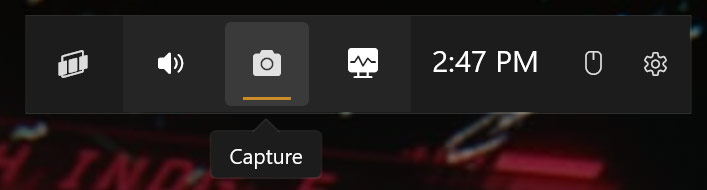
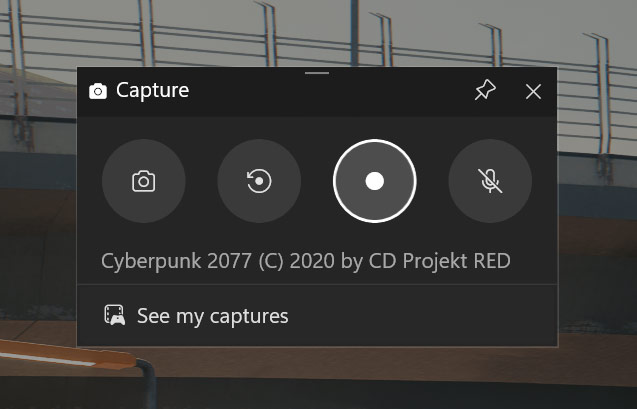
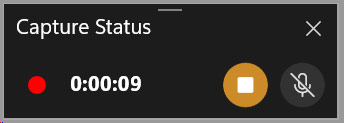
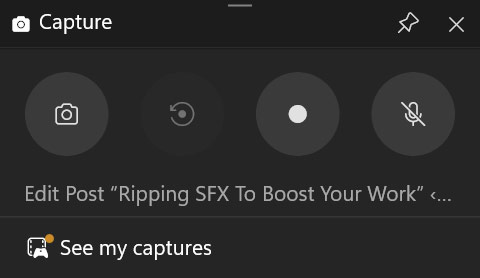
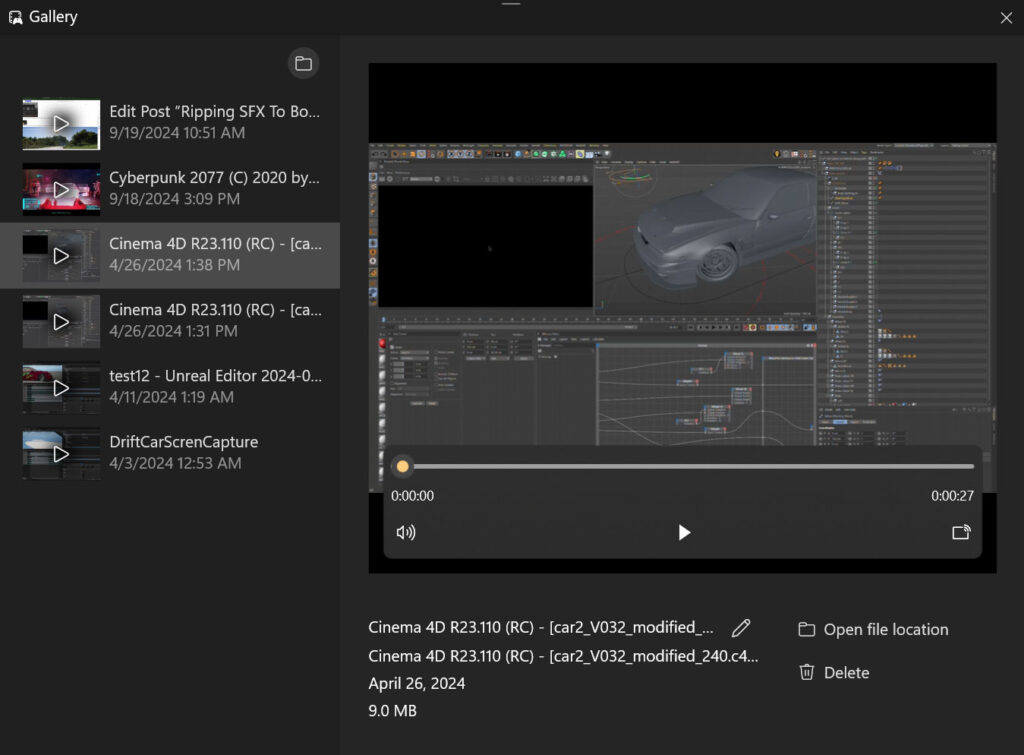
By booting up a modern racing game and capturing gameplay with audio, I was able to quickly art direct the exact revving, gear changes and tire screeches via controller inputs to generate authentic car sounds.
Since this isn’t a client based project and can be classified as personal or non-commercial work, I am ok to leave the ripped audio in. If this were a commercial project I would record one-off audio myself or have a sound professional work their magic on the final production. Regardless, the technique is very useful and should be considered for any project with sound to get you out of the starting blocks of your project.
Of course, there are numerous legal implications with using copyrighted audio and one must be mindful of project budget and not overdelivering on the the audio side with temporary audio that will need to be updated later.
However, by utilizing existing sound from games (or movies, or nature or anywhere) you can often quickly create a draft cut of your sound now instead of spending hours rummaging through audio libraries in the beginning stages of production.